
Services · Protect
Backup & Disaster Recovery
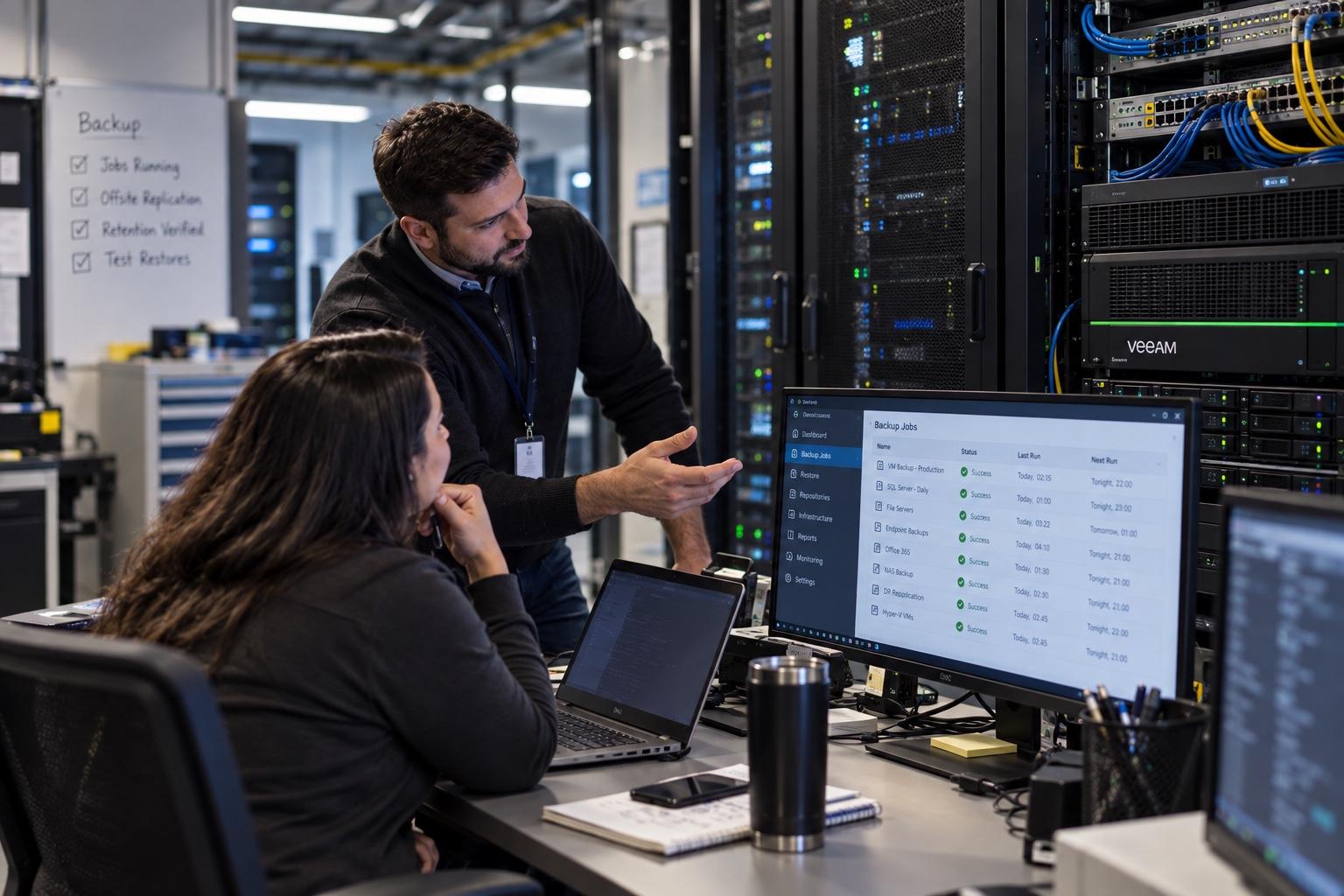
Backup planning and recovery readiness so a failed drive or ransomware scare is not your first time thinking about data.
What it is
Backup & Disaster Recovery is about knowing your important data can be restored, and practicing that idea before a crisis. We help you inventory what matters, plan backups that fit your real systems, talk through recovery steps, and reduce “we thought it was backed up” surprises. Sync folders are not automatically backups. Cloud retention is not automatically a tested restore.
Who it is for
Businesses that depend on files, email, and line-of-business systems and want recovery to be intentional, not hopeful. It fits leadership that cannot answer “can we get it back?” cleanly.
Ideal when
- Nobody has tested a restore recently
- Backups live in one place with no clear owner
- You are unsure what would happen after ransomware
- A growth spurt added new systems without a recovery plan
- Leadership wants a plain answer to “can we get it back?”
- Cloud sync is being treated as a complete backup strategy
What is included
Recovery readiness work included
- Backup planning conversations tailored to your systems
- Guidance on what to protect first versus later
- Restore-testing discussions and practical check-ins
- Recovery readiness notes your team can understand
- Coordination with cloud and on-prem tools you already use
- Clarity on retention, destinations, and ownership gaps
- Ransomware readiness framing that connects to endpoint hygiene
- Handoffs into projects when new backup tooling must be implemented
- Revisits when systems, sites, or vendors change
Recovery thinking
A practical timeline for getting honest about restores
We do not invent zero-loss guarantees. We do help you move from hope to a sequence you can explain.
Now
Phase 01
Name what would stop the business
Files, email, line-of-business systems, and any database that cannot be shrugged off. Priority comes from impact, not from every laptop folder.
Next
Phase 02
Map protection versus sync
Document what is truly backed up, what only syncs, where copies live, and who can start a restore without guessing passwords.
Soon
Phase 03
Practice a restore on purpose
Pick a meaningful sample and restore it on a calm day. Green dashboards are not a substitute for “we got the file back.”
Ongoing
Phase 04
Revisit when systems change
New sites, new SaaS tools, and staff changes break old assumptions. Readiness is a habit, not a one-time binder.
Restore scenarios
Situations your plan should already answer
If leadership cannot answer these without hedging, the backup story is still unfinished.
Laptop loss on travel day
Can the user get mail and critical files back on a replacement device without waiting for a forensic adventure?
Accidental deletion in a shared library
Is there retention that survives sync mirroring the mistake, and who knows how to recover the prior version?
Ransomware on a file server or NAS
Are copies offline or immutable enough to matter, and has anyone restored from them recently?
Mailbox wipe or bad retention assumption
Does Microsoft 365 retention cover what you think it covers, or do you need an additional backup conversation?
Backup gaps often surface during a move, a failed NAS, or a vendor handoff. Getting ahead of that is cheaper than learning during an outage.
FAQ
Common questions
- Do you guarantee zero data loss?
- No honest provider should invent that promise. We focus on practical planning and recovery readiness for your real systems.
- Is cloud storage the same as a backup?
- Not always. Sync tools can mirror mistakes. We help you understand the difference for your setup.
- How often should restores be tested?
- Regularly enough that you trust the process. Cadence depends on how critical the data is. We will recommend something realistic.
- Can you work with Microsoft 365 backups?
- We can discuss M365 retention, recovery options, and whether your current approach covers what you think it covers.
- What about ransomware?
- Backups are one part of readiness. We connect this conversation to endpoint hygiene and access practices when useful.
- Do you store our backups yourselves?
- Engagements vary. We design around tools and destinations that fit your business, without inventing infrastructure we do not operate.
- What does good look like after planning?
- You can name what is protected, where it goes, who owns restores, and when you last practiced getting something back.
- Can this lead into a project?
- Yes. Planning often reveals tooling or configuration work that becomes a scoped project, then returns to a lighter check-in cadence.
Next step
Talk through Backup & Disaster Recovery
Book a 30-minute intro or send a short note. We will match scope to what you need, without inventing packages you did not ask for.