
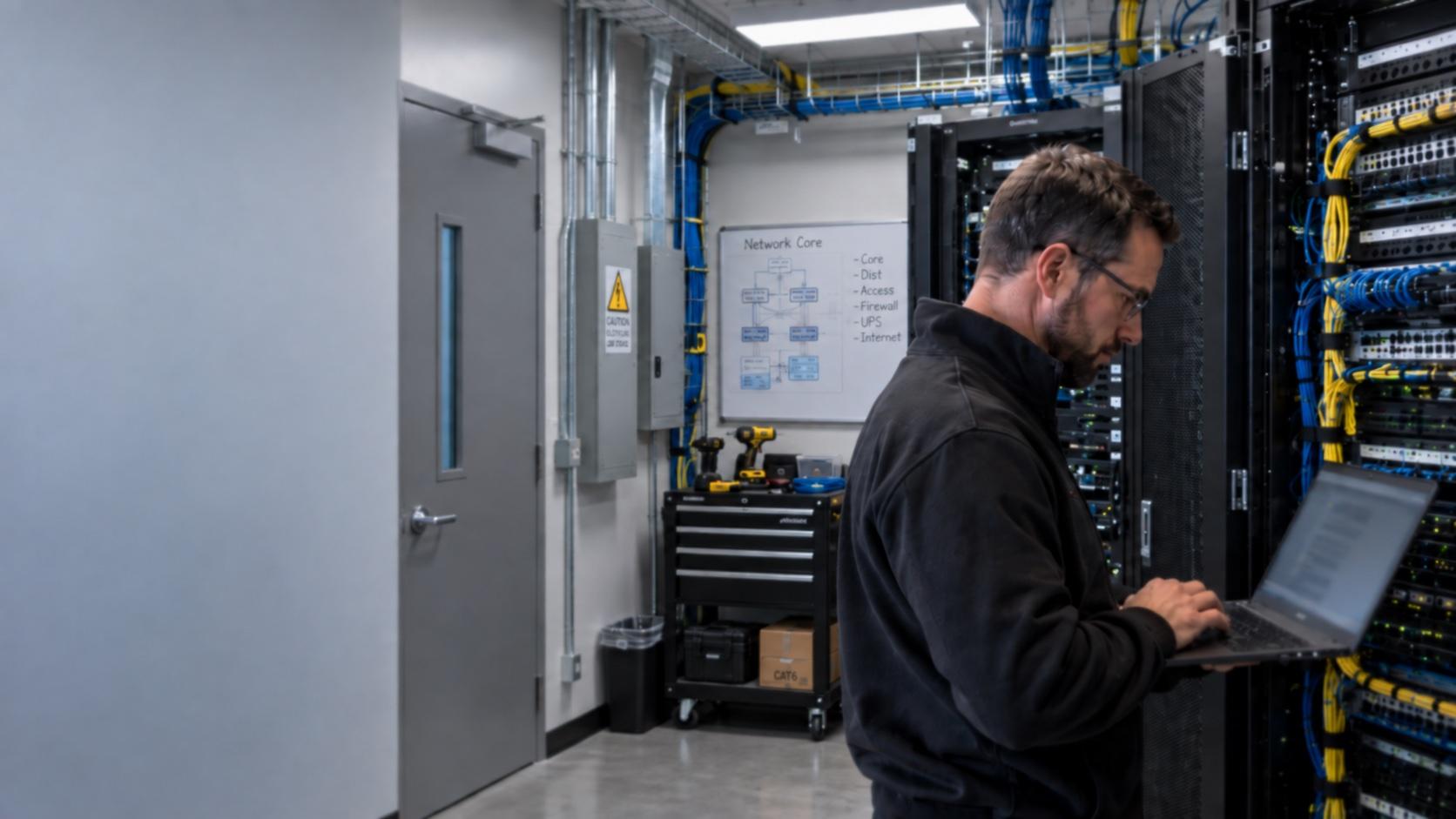
Your Business Needs IT Ownership. Not Another Vendor Queue
Growing offices need dependable helpdesk coverage, prepared on-site support, and project delivery with clear ownership. Cytrix provides managed IT, Smart Hands visits, IT projects, and Virtual CIO guidance for businesses across Austin, Round Rock, and nearby Central Texas communities.
Industries we support










Services
Proactive support, practical security, and projects that finish
One local partner for helpdesk coverage, on-site Smart Hands, endpoint and backup readiness, and scoped IT projects. Choose the path that matches your current need, then review the services behind each offer.
Manage
Helpdesk coverage, Smart Hands when on-site access is required, and Virtual CIO guidance when the next decision matters.
Protect
Endpoint security, backups, and network visibility sized for small and mid-size offices, with priorities you can act on.
Accelerate
IT projects and Microsoft 365 work planned so cutovers are coordinated instead of disruptive.
Capabilities
Managed IT services built around how offices operate
Helpdesk coverage, prepared on-site visits, project delivery, advisory planning, backup readiness, and practical cybersecurity. Each service has a defined entry point so you understand the work before you engage.
Managed IT and helpdesk
Day-to-day ownership for passwords, devices, access, printers, and routine interruptions. Your team has one place to request help, and you receive updates without chasing status.
Smart Hands on site
Prepared technicians for device swaps, cabling, rack work, closet cleanup, and vendor escort when remote support cannot finish. Visits include a defined task list and completion notes.
IT projects and moves
Office moves, upgrades, migrations, and infrastructure changes with a defined finish line. Scope, sequence, vendors, and documentation remain visible from kickoff through cutover.
Virtual CIO guidance
Roadmaps, budget planning, and vendor decisions for leaders who need direction without a full-time IT executive. Recommendations stay sized for small and mid-size offices.
Backup and recovery readiness
Confirm what is protected, how restores work, and what to verify on a regular cadence. Backup planning is about intentional recovery, not assuming a sync folder is enough.
Security and endpoints
Endpoint protection, MFA hygiene, email risk reduction, and a prioritized list of fixes that matter first. Security work stays grounded in how your office operates day to day.
Who it is for
Common reasons businesses engage Cytrix
Most engagements begin with a specific operational need: unfinished tickets, an office relocation, limited backup confidence, or leadership acting as the default helpdesk. If that describes your situation, we can outline a clear next step.
Coverage gap after a departure
Your previous IT contact left, or coverage was never full-time. Tickets accumulate, vendors go quiet, and leadership becomes the default helpdesk.
Remote tickets that cannot close
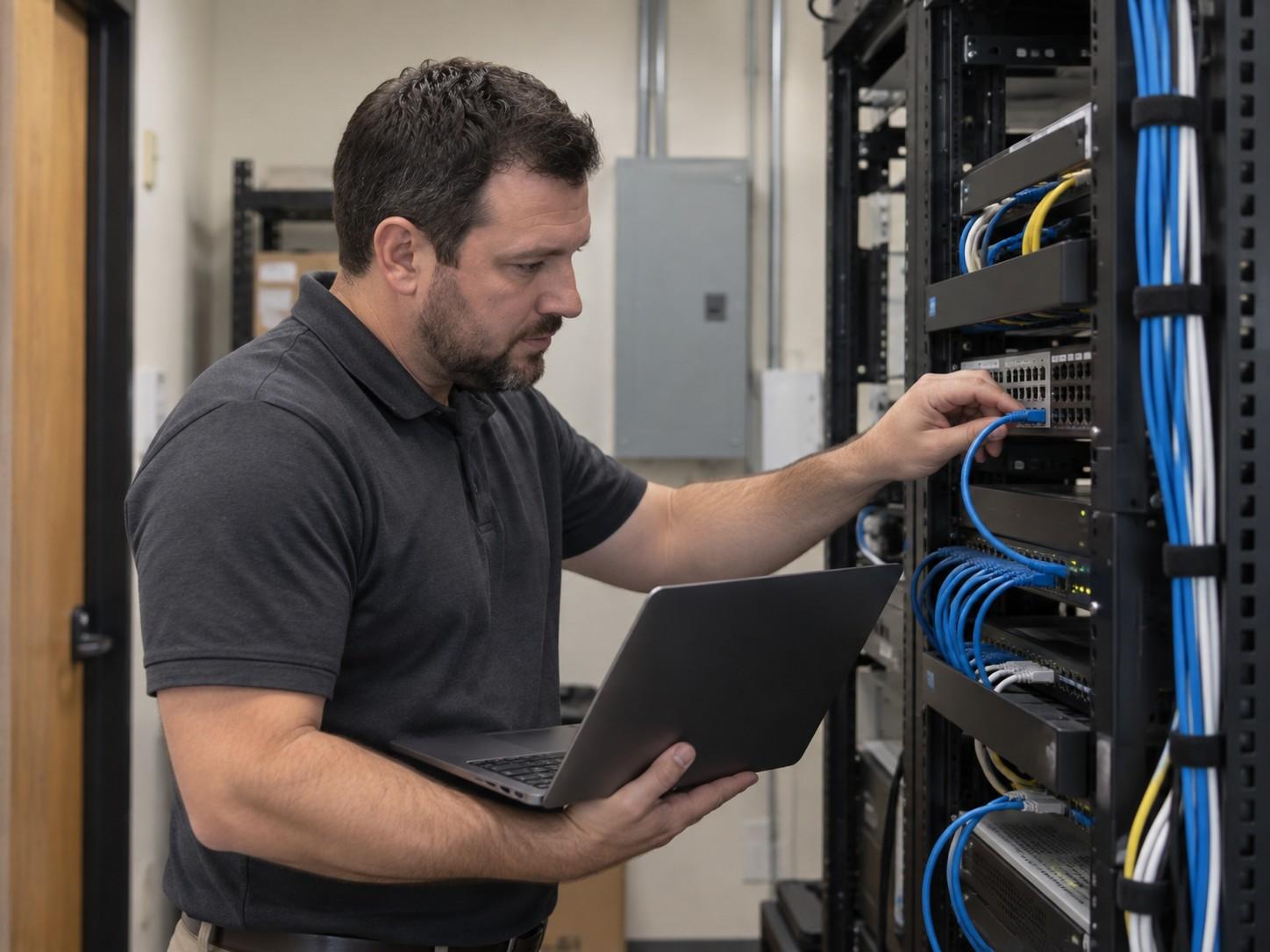
An issue needs hands on a switch, workstation, or closet. Remote support cannot finish the work, and the office waits while the ticket remains open.
A move or upgrade without an owner
Office moves, network upgrades, and Microsoft 365 changes stall because no one owns the plan end to end. You need sequence, a cutover window, and documentation at completion.
Too many vendors, no roadmap
Tools and contractors accumulate, renewals arrive without context, and priorities for the next quarter are unclear. Virtual CIO planning restores order to budget and sequencing.
Limited backup confidence
Files sync somewhere, but restores have not been verified. A failed drive or ransomware incident should not be the first test of what is recoverable.
How engagement works
A structured path from discovery to delivery
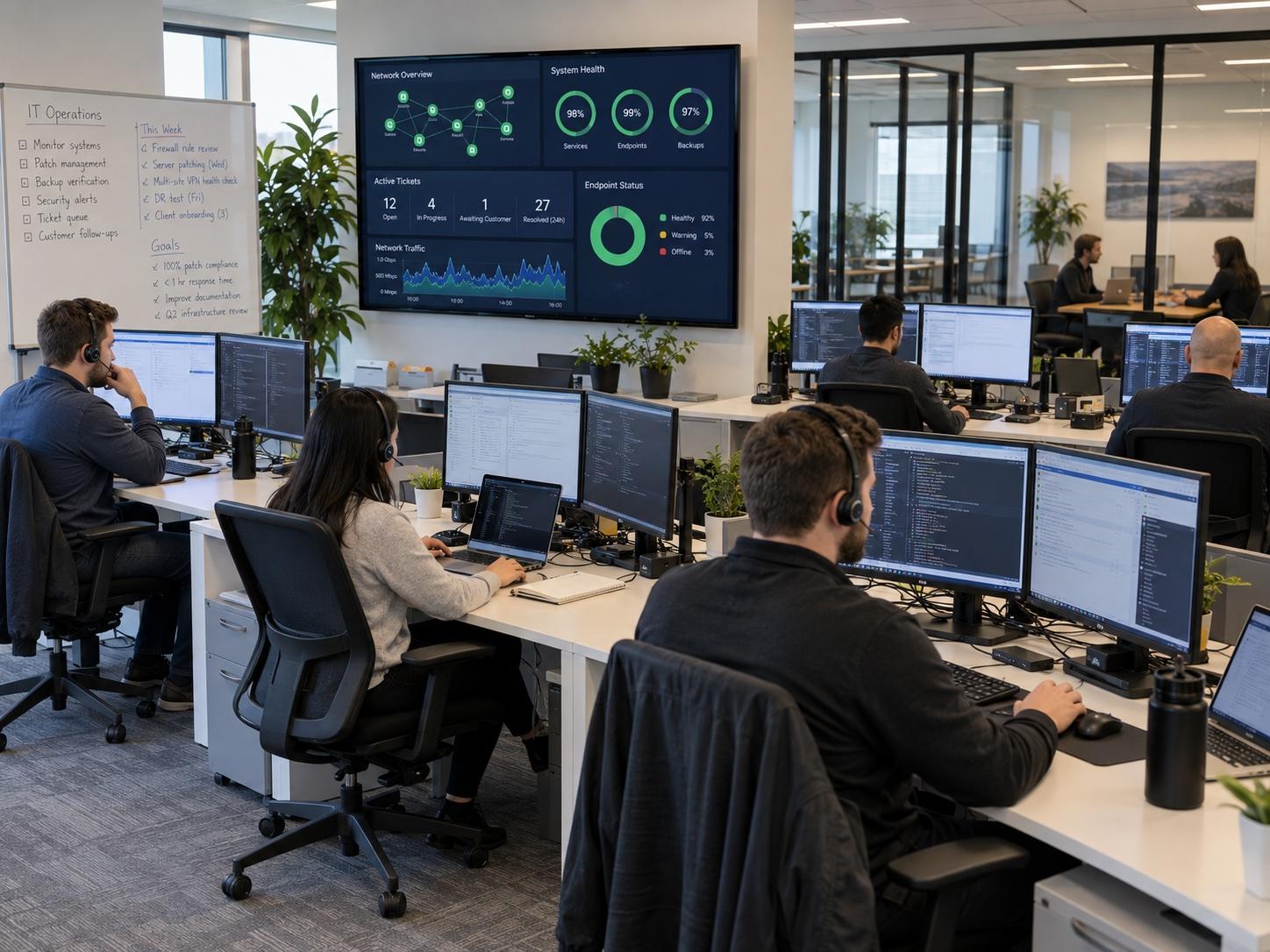
Six steps keep scope defined, work completed, and changes documented. The same process applies to tickets, Smart Hands visits, and larger projects.
01 · Discover
We review how the office operates, which systems are critical, and what is interrupting work before recommending a path.
02 · Define
Scope, goals, timing, and success criteria are confirmed so delivery starts with shared expectations.
03 · Design
We prepare a practical plan: on-site schedule, project sequence, vendor coordination, or an IT roadmap.
04 · Deliver
We execute the agreed work, from helpdesk coverage and Smart Hands visits to project cutovers and guided changes.
05 · Document
You receive notes on what changed, what was installed, and what the next technician or internal owner needs.
06 · Improve
We identify the next practical priority so planning stays proactive instead of waiting for the next outage.
Engagement models
Engagement models that match your operating needs
Fully managed coverage, co-managed support alongside your internal IT, or a scoped project. We begin with the current issue or initiative, then recommend the engagement that fits. Call 512-518-1228 if you already know which path you need.
01
Managed coverage
Ongoing helpdesk, monitoring conversations, and practical fixes so day-to-day IT does not default to the owner.
02
Co-managed support
Additional capacity for documentation, security focus, projects, or advisory work when your in-house resource is at full load.
03
Scoped projects
Office moves, upgrades, migrations, Smart Hands days, or Virtual CIO planning with a defined finish line.
What to expect
What working with Cytrix looks like
We do not publish invented client logos, satisfaction scores, or headcount claims. These are the operating standards we apply to every ticket, visit, and project.
Local
Central Texas coverage
Austin, Round Rock, and nearby communities. We resolve what we can remotely, then schedule on-site Smart Hands when physical access is required.
Same day
Same-day goal for urgent requests
Urgent issues are prioritized for same-business-day response. Timing still depends on access, scope, and the work required to restore service.
Scoped
Defined next step before work begins
Engagements begin with the current issue, then a clear path: helpdesk coverage, a Smart Hands visit, a project plan, or Virtual CIO advisory.
Clear status communication
You receive updates that explain what changed, what happens next, and what it means for operations. Status should not require translation.
Remote first, on site when required
Many tickets are resolved remotely. When physical access is required, we schedule Smart Hands or project time instead of leaving the issue open indefinitely.
Agreement before production changes
We confirm the next step first, whether that is coverage, a visit, a project, or advisory time, before anyone changes a live system.
Helpdesk coverage with on-site capacity
Remote support handles most day-to-day tickets. When physical access is required, we schedule Smart Hands instead of leaving the issue in a remote-only queue.
Local MSP accountability
We serve Austin, Round Rock, and nearby offices with context for buildings, ISP handoffs, hybrid schedules, and network closets that need careful on-site work.
Status updates written for decision-makers
Each update states what changed, what happens next, and whether your team can resume normal operations. Technical detail stays precise without unnecessary jargon.
Scope defined before production changes
We agree on the next step first, whether that is coverage, a visit, a project, or advisory time. Recommendations stay sized for small and mid-size offices.
FAQ
Common questions before you schedule a call
Do you only work in Austin?
We focus on Austin, Round Rock, and nearby Central Texas communities. Day-to-day tickets are handled remotely. Smart Hands and project visits are scheduled when on-site work is required.
Can you work alongside our internal IT person?
Yes. Co-managed support is common. That can include documentation, security focus, Smart Hands capacity, projects, or advisory support when your in-house resource is at full load.
What happens on the first call?
We review the current issue or initiative first. Then we recommend a clear next step: helpdesk coverage, a visit, a project plan, or advisory time, before any production work begins.
Do you publish invented SLAs or satisfaction scores?
No. We describe how we work and where we work instead of posting fabricated metrics. Exact timing depends on scope, access, and the engagement we agree to.
Resources
Practical guidance for owners and operations leads
Articles and guides on managed IT, Smart Hands, and planning decisions. Focused reading for operators, not marketing filler or invented case studies.
Blog
Practical articles on managed IT, Smart Hands, and keeping a local office productive.
Guides
Longer how-tos on transitions, Smart Hands visits, security basics, and IT planning decisions.
Service area
Austin, Round Rock, and nearby Central Texas communities
Remote support for day-to-day tickets, plus Smart Hands and project visits across Austin, Round Rock, and surrounding areas when on-site work is required. Local familiarity with buildings, ISPs, and hybrid office schedules helps when remote support alone cannot finish the job.
5900 Balcones Dr Ste 100 Austin, TX 78731-4298 United States
Next step
Ready to discuss your IT priorities?
Schedule a short intro call or send a project inquiry. We will review scope, timing, and fit before any work begins. Share the current issue: unfinished tickets, a relocation date, a vendor gap, or a backup process that has never been tested.
Call 512-518-1228 · Browse services · About Cytrix · Contact
Technology partners
Platforms and tools used across managed IT and Smart Hands engagements. Logos here do not imply a formal partnership.


