
Helpdesk support for your team
Coverage for system access, Microsoft 365 issues, devices, passwords, email, and connectivity so employees are not stuck self-troubleshooting every week.
Learn more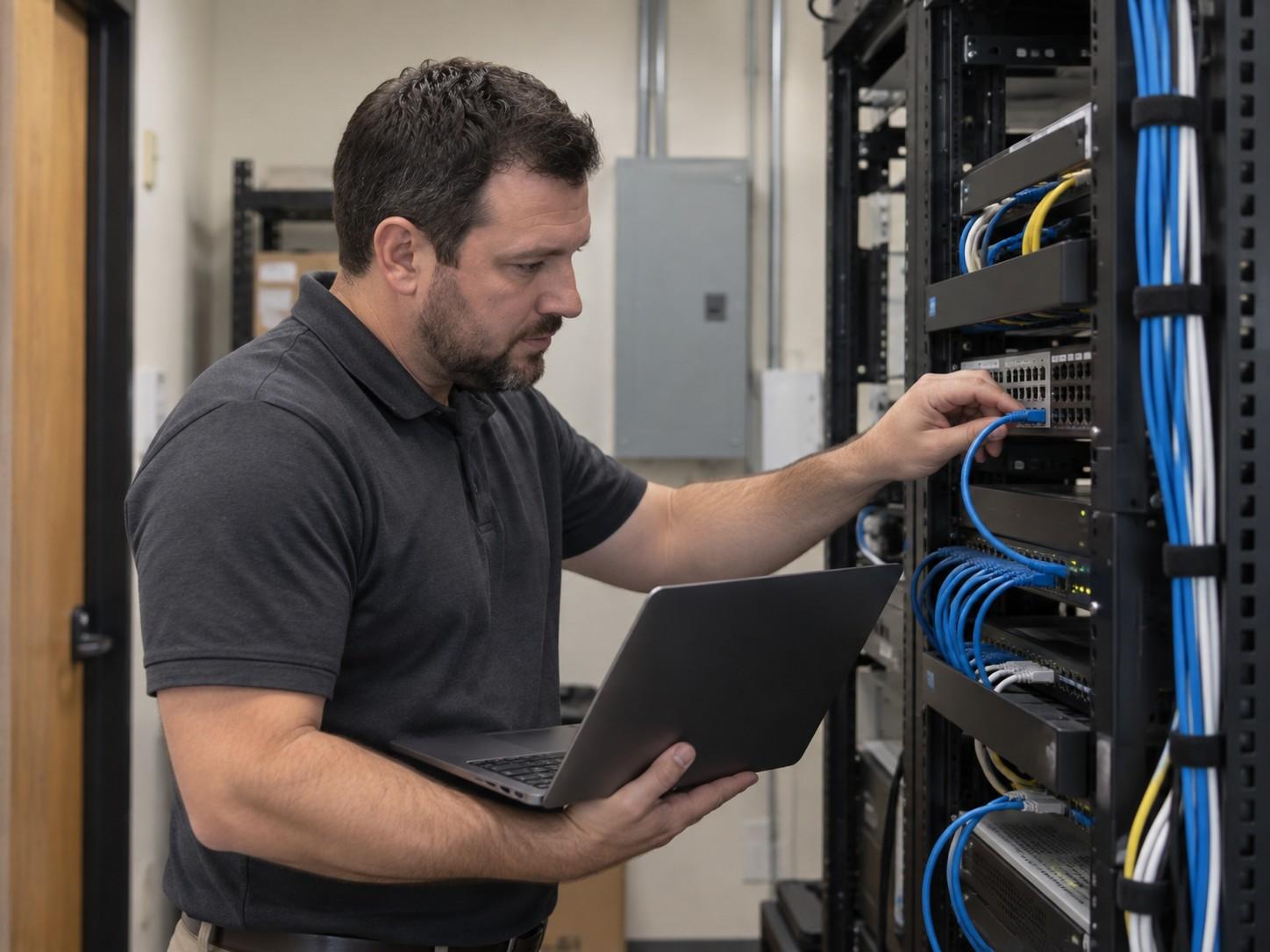
Locations · Kyle, TX
Managed IT, Smart Hands, projects, and Virtual CIO guidance for Kyle businesses that need ticket ownership, on-site help when remote support stalls, and clear next steps.
When technology slows down, Kyle businesses feel it quickly: lost employee time, stalled projects, and leadership pulled into triage that should have been owned earlier.
Problems often start as recurring tickets, unreliable Wi-Fi, untested backups, Microsoft 365 confusion, aging devices, unclear vendor responsibilities, or security gaps that have not been reviewed in months.
Cytrix helps Kyle businesses with managed IT support, cybersecurity guidance, Microsoft 365 help, backup planning, network visibility, Smart Hands on-site work, and Virtual CIO planning.
Many issues can be resolved remotely. When on-site work is required for troubleshooting, closet tasks, equipment setup, or office moves, Cytrix coordinates Smart Hands and project delivery across Austin, Round Rock, and surrounding communities.
Local focus
Kyle companies that depend on stable networks, Microsoft 365, and someone who can show up when needed.
Managed IT
Managed IT services give a Kyle business a consistent plan for keeping systems supported, documented, and ready for growth instead of waiting until something breaks.
That usually includes helpdesk coverage, network monitoring conversations, security basics, Microsoft 365 support, backup planning, vendor coordination, and advisory check-ins when leadership needs a roadmap.
The goal is fewer interruptions, clearer ownership, and systems that stay usable as the office grows.
Proactive support

Waiting until something breaks can feel cheaper in the moment. Over time it usually means more downtime, weaker documentation, and security gaps that only surface during an incident.
Proactive support for a Kyle office matters when networks are unreliable, backups are untested, Microsoft 365 permissions are messy, or leadership only hears from IT after an outage.
Common triggers:
Cytrix helps businesses move from “call IT when it breaks” to managed coverage with regular review, documentation, and a path to on-site help.
What we provide
Coverage for system access, Microsoft 365 issues, devices, passwords, email, and connectivity so employees are not stuck self-troubleshooting every week.
Learn morePractical endpoint, email, and access protections for offices that face phishing, weak passwords, and device risk without needing an enterprise security theater program.
Learn moreHelp with Microsoft 365, Teams, SharePoint, email, permissions, and collaboration tools so the tenant matches how your team actually works.
Learn moreKnow what is backed up, how often jobs run, who can restore, and how to verify restores before a failure, ransomware scare, or accidental deletion.
Learn moreVisibility and documentation for office networks so slow Wi-Fi, mystery closets, and ISP finger-pointing get ownership before they become outages.
Learn moreRoadmaps and budgeting conversations for hardware refresh, security priorities, cloud cleanup, and vendor decisions so leadership is not managing IT one emergency at a time.
Learn moreHands-on help for device swaps, cabling, closet work, office moves, and vendor escort when remote support cannot finish the job.
Learn moreScoped delivery for office moves, upgrades, migrations, and infrastructure changes, including coordination when more than one vendor is involved.
Learn moreSome Kyle businesses already have internal IT staff but need extra capacity, cybersecurity support, project help, documentation, or strategic guidance. Cytrix provides co-managed IT support for organizations that want to strengthen their internal team without hiring several additional full-time employees.
Industries
Different industries depend on technology in different ways. Cytrix helps Kyle businesses build IT strategies that match the way their teams actually work, such as healthcare, legal, professional services, construction, manufacturing, nonprofits, and other local organizations.
Compare
A strategic local partner is different from a remote ticket-based provider. Here is how the day-to-day experience usually compares.
| Topic | Cytrix (local partner) | Typical remote ticket provider |
|---|---|---|
| Ownership | A named local partner who understands your environment | Ticket queues that restart context with each agent |
| On-site work | Smart Hands and project help when remote support is not enough | Remote-only coverage that stalls on physical tasks |
| Planning | vCIO-style guidance for budgets, roadmaps, and risk | Break/fix responses with little forward planning |
| Communication | Plain updates on what changed and what is next | Scripted status notes that leave owners guessing |
| Vendors | Coordination across ISP, SaaS, and hardware providers | You become the middleman between every vendor |
Why Cytrix
Help Kyle operations move from “call IT when it breaks” to regular maintenance, monitoring conversations, and fewer surprise outages.
Endpoint, email, access, and backup conversations tailored to how your office works, without scare tactics.
Virtual CIO guidance for roadmaps, budgeting, and vendor decisions so technology supports growth instead of creating surprises.
You hear what changed, what is next, and what it means for your team.
Resolve what can be fixed remotely, then escalate to on-site help for work that cannot finish over a ticket.
Built for local businesses that want a nearby partner, not another distant vendor to manage.
Nearby
Cytrix also supports businesses in nearby communities.
FAQ
Next step
Book a 30-minute intro or send a short project note. We will cover your goals and the practical next step for your Kyle business.