
Services · Accelerate
IT Projects & Implementation
Structured planning and execution for office moves, upgrades, migrations, and infrastructure improvements, with minimal disruption.
What it is
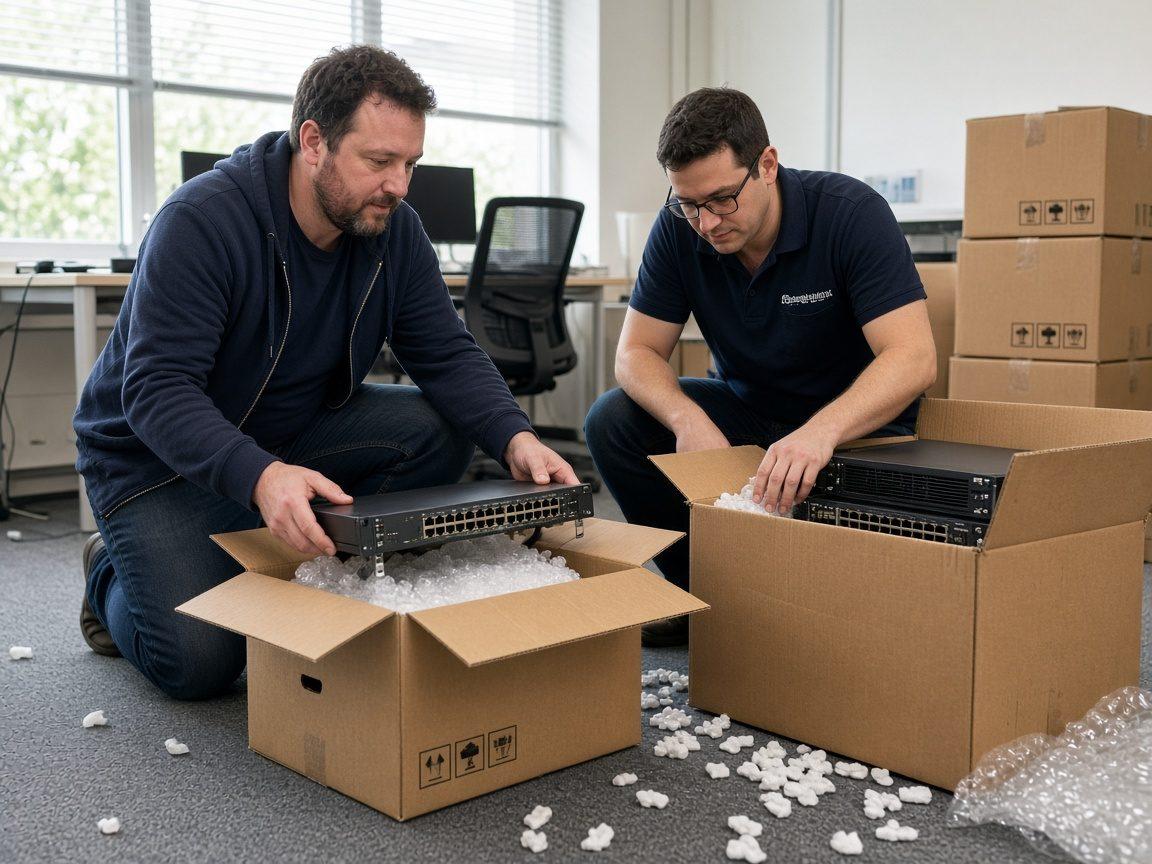
IT Projects & Implementation covers the bigger changes that need a plan: office moves, network upgrades, migrations, infrastructure replacements, and standardization work that should not be improvised ticket by ticket. A project has scope, sequence, owners, disruption windows, and done criteria. Specialized move work can also sit under IT Relocation when the pattern is a full seating cutover.
Who it is for
Teams that need a defined outcome (a move completed, a system migrated, an upgrade finished) with clear communication along the way. It fits operations leaders tired of stalled migrations and lean IT that cannot absorb a multi-week cutover alone.
Ideal when
- You are moving or expanding an office
- Equipment is due for a coordinated upgrade
- A migration keeps getting delayed
- Too many one-off fixes have created inconsistency
- You want a scoped plan before anyone touches production
- Vendors, landlords, and internal teams need one coordinator
What is included
What a scoped project typically includes
- Scope, timeline, and expectation setting before work starts
- Office moves and expansions support (or handoff to IT Relocation when that pattern fits)
- Network and equipment upgrades with sequenced cutovers
- Infrastructure replacements planned against disruption windows
- Software and system migrations with user communication
- Technology standardization initiatives
- Vendor and landlord coordination when the project needs it
- Cutover validation against written success criteria
- Handoff notes: what changed, what was installed, what to watch next
Delivery timeline
From kickoff to hypercare without improvisation
Every project is scoped. This phase model is how we keep cutovers from becoming hallway negotiations.
Discovery
Phase 01
Lock constraints before promises
Success criteria, out-of-scope list, access rules, and vendor dependencies get written down. Surprises belong here, not on cutover night.
Build
Phase 02
Sequence the work
Tasks, owners, and disruption windows are scheduled. Rollback or pause points are named when they matter.
Cutover
Phase 03
Execute the agreed window
Changes land in the planned window with live communication. Scope expansion waits for a conscious decision.
Hypercare
Phase 04
Stabilize and document
First-week issues related to the project get owners. Documentation covers what changed so support is not archaeology.
Project RACI
Who decides, who executes, who stays informed
Projects stall when authority is fuzzy. This is the default split for small and mid-size deliveries.
| Role | Owns | Does not own |
|---|---|---|
| Business sponsor | Budget, disruption windows, and final accept/reject on success criteria | Deep configuration work they do not have time to learn mid-cutover |
| Cytrix project lead | Plan, sequencing, vendor coordination, and cutover communication | Silent changes outside the written scope |
| Smart Hands / on-site techs | Physical execution during assigned windows | Redesigning architecture without the project lead |
| Vendors & landlords | Their installs, access, and circuit turn-ups | Setting your internal success criteria |
Office moves, ISP installs, and after-hours cutovers often collide with building access rules. Local project help means coordinating those constraints instead of treating them like surprises.
FAQ
Common questions
- How is a project different from Smart Hands?
- Smart Hands is usually a defined on-site task. Projects include planning, sequencing, and multi-step coordination across people and systems.
- How is this different from IT Relocation?
- IT Relocation is a specialized project pattern for office and internal moves. General IT projects cover upgrades, migrations, standardization, and other planned changes that may or may not include a move.
- Can you work evenings to reduce downtime?
- Often yes for cutovers. We plan disruption windows with you instead of guessing.
- Do you handle vendor coordination?
- Yes when the project needs it, such as ISP installs, landlords, hardware vendors, and software partners.
- Will you invent a fixed price before discovery?
- We scope first. Honest project work starts with understanding constraints, not a made-up number.
- What does documentation look like?
- Plain notes on what changed, what was installed, and what to watch next. Useful for your team, not a binder nobody reads.
- Can projects lead into managed support?
- Yes. Many clients stabilize with a project, then keep helpdesk or advisory coverage afterward.
- What does good look like at the end?
- Success criteria are met or explicitly deferred, staff know what changed, and the next support person can find what was installed without a scavenger hunt.
Next step
Talk through IT Projects & Implementation
Book a 30-minute intro or send a short note. We will match scope to what you need, without inventing packages you did not ask for.