
Services · Accelerate
IT Relocation & Moves Management
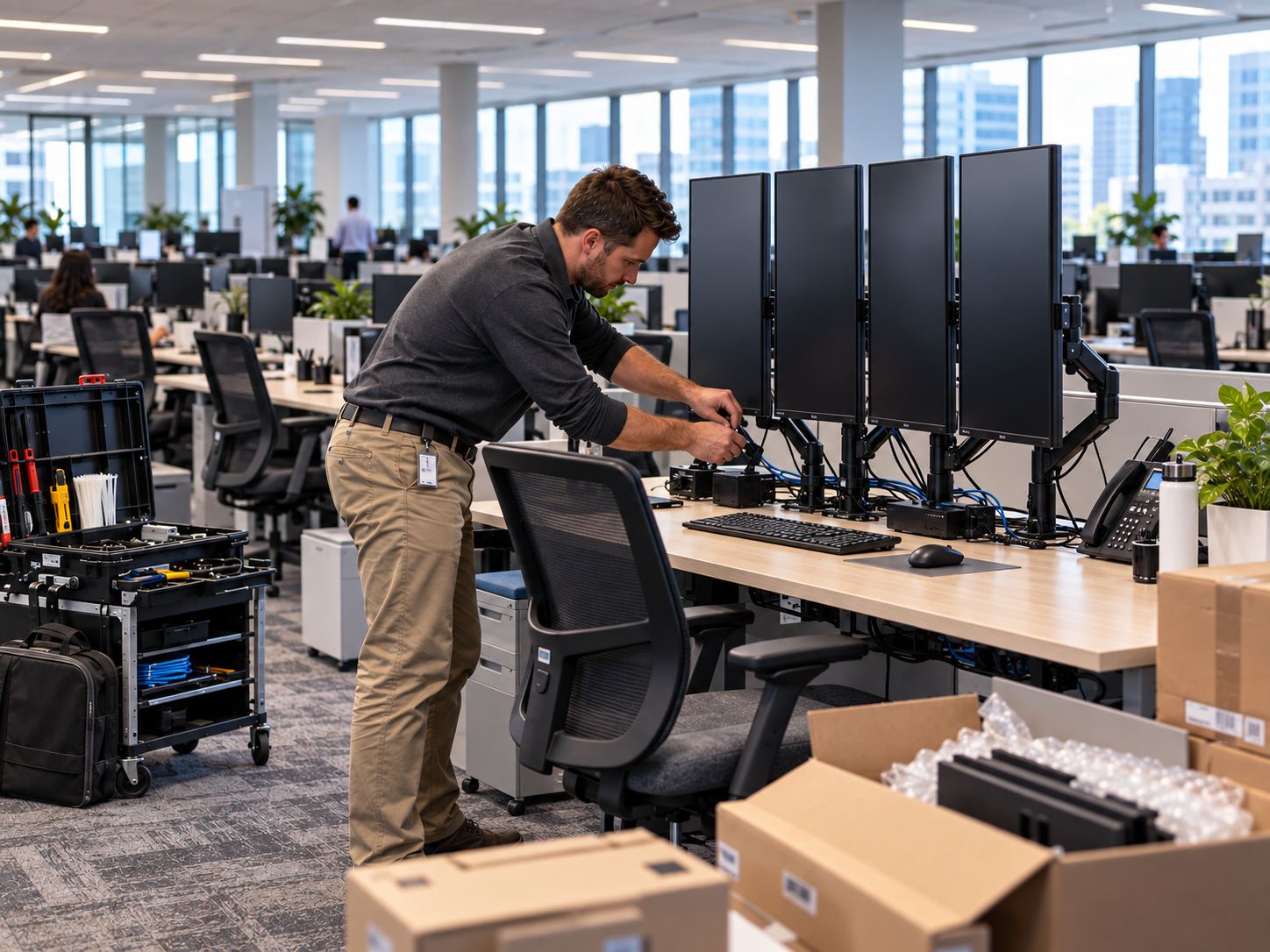
End-to-end IT planning for office moves and internal relocations: inventory, disconnect, transport coordination, reconnect, and connectivity validation so people can work again with less downtime.
100+
Projects Completed
5k+
People Moved
16+
Years of Experience
10+
Cities Served
What it is
IT Relocation & Moves Management is the structured IT track of an office move (to a new building or within the same facility). Furniture movers handle desks and boxes. We own the technology path: what gets packed, how it is labeled, when circuits and Wi-Fi need to be ready, how workstations and shared devices come back online, and how you know the network is actually usable before Monday morning. We treat moves as projects with checklists, owners, and clear done criteria, not as a stack of last-minute tickets.
Who it is for
Companies relocating an office, consolidating floors, opening a satellite space, or rearranging departments where dozens of endpoints, phones, printers, switches, and meeting-room systems have to land in the right place. It fits operations and facilities leaders who already hired movers but need an IT partner to plan disconnect and reconnect work.
Ideal when
- You are moving to a new suite or building and need IT ready on day one
- Departments are shifting floors or rooms and shared devices must follow people
- Your mover handles furniture, but nobody owns labeling, packing, and reconnect for IT
- ISP circuits, Wi-Fi, or phone systems need coordination before people arrive
- Leadership wants a downtime window and a validation checklist, not hope
- Prior moves left mystery cables, missing docks, and printers nobody can find
What is included
The IT move footprint
- Pre-move discovery: inventory of workstations, docks, monitors, printers, phones, network gear, and shared rooms
- Labeling and packing standards so devices return to the correct desks and closets
- Disconnect planning for power, network, and peripherals with less damage and fewer lost parts
- Transport coordination for IT gear when appropriate (with your movers or a defined IT transport plan)
- New-site readiness checks: circuit timing, closet space, Wi-Fi coverage assumptions, and access
- Reconnect of workstations, shared devices, and core network equipment per the floor plan
- Post-move validation: internet, authentication, printing, VoIP or softphone paths, and key applications
- Issue triage during the first workdays after cutover, with clear ownership of what still needs a follow-up visit
- Handoff notes: what moved, what changed, and what facilities or vendors still own
Move checklists
Checklists that keep the move honest
Pre-move checklist
These are the decisions and artifacts we want locked before anyone unplugs a dock. Skipping this list is how printers vanish and VIP desks come up last.
- Confirmed move dates, after-hours windows, and building access contacts for both sites
- Named business owner for IT decisions during the move (not a rotating group chat)
- Workstation and shared-device inventory with seat or department mapping
- ISP and phone circuit status at the destination, including install and test dates
- Floor plans or seating charts for reconnect, including printers and meeting rooms
- Backup and critical-system notes so cutover does not collide with known fragile services
- Packing materials, labels, and rules for monitors, docks, and small peripherals
- List of vendors who must be on-site or on-call (ISP, landlord, AV, alarm, access control)
What we cover during the move
Scope is agreed in writing for each engagement. The list below is the typical IT relocation footprint for a small or mid-size office.
- Endpoint disconnect and reconnect (laptops, desktops, docks, monitors, peripherals)
- Network closet moves or staged cutovers for switches, firewalls, and wireless gear when in scope
- Printers, scanners, and other shared devices mapped to the new layout
- Desk phones or softphone validation after seating changes
- Conference room and huddle-space basic connectivity checks when those systems are in scope
- Coordination with movers so IT crates or labeled carts stay on the IT track
- Smoke-test validation: WAN, Wi-Fi, directory/login, print paths, and primary line-of-business apps
- First-week hypercare for move-related tickets that surface once people settle in
What we do not assume by default
Clarity protects the schedule. If you need any of the following, we scope it explicitly instead of burying it in a vague “full service move” promise.
- General furniture moving or packing of non-IT personal items
- Construction, electrical, or cabling plant work that belongs to a low-voltage or GC vendor
- Guaranteed zero downtime across every system without a negotiated cutover window
- Replacement of aging hardware discovered mid-move unless parts and change orders are approved
- Full redesign of network architecture unless that work is added as a related project
Move sequence
How the IT track of a move actually runs
01
Discover and inventory
We walk the current environment (or review a solid asset list), map who sits where, and identify shared systems that break the day if they are late.
02
Build the move plan
We sequence disconnect, transport, and reconnect windows against your facilities and mover schedule. Labels and success criteria are written down.
03
Execute disconnect and move
Devices come down in a controlled order. Sensitive gear is handled carefully so the new site is not waiting on a missing switch or phone.
04
Reconnect and validate
At the destination we seat equipment, restore connectivity, and run a practical validation pass before declaring the move done.
Local moves often collide with building access windows, ISP install dates, and hybrid schedules. We plan around those constraints so Austin and Round Rock offices are not discovering circuit delays on move day.
FAQ
Common questions
- How is this different from IT Projects or Smart Hands?
- Smart Hands is usually a defined on-site task. General IT projects cover many change types. IT Relocation is a specialized project pattern focused on office and internal moves: inventory, disconnect, transport coordination, reconnect, and validation.
- Do you move the furniture too?
- No. We partner with your commercial movers or facilities team. Our lane is IT equipment, connectivity, and the plan that keeps technology usable after the furniture lands.
- Can you help with an internal floor move, not a new building?
- Yes. Internal moves still break printers, docks, Wi-Fi assumptions, and meeting rooms. The same inventory, labeling, and validation discipline applies.
- How do you minimize downtime?
- By sequencing work against a real cutover window, preparing the destination as early as the circuit and access allow, and validating critical paths before declaring the move done. We do not invent a zero-downtime guarantee for every environment.
- When should we start planning?
- As soon as the lease or internal date is real. ISP installs and access scheduling often drive the critical path more than the packing itself.
- Will you invent a fixed price before seeing the environment?
- We scope first. Seat count, closet complexity, after-hours needs, and vendor dependencies change the effort.
- What do you need from our team?
- A decision owner, access to both sites, seating intent, and introductions to facilities or movers. If you have an asset list, that speeds inventory.
- Can relocation lead into managed support afterward?
- Often yes. Many clients want helpdesk coverage or ongoing Smart Hands after the dust settles.
Next step
Talk through IT Relocation & Moves Management
Book a 30-minute intro or send a short note. We will match scope to what you need, without inventing packages you did not ask for.