
Resources · Blog · IT Relocation
Planning a Summer Office Move: The IT Disconnect and Reconnect Checklist
A practical planning guide for office IT relocation: inventory, circuit timing, disconnect day, transport, and reconnect so opening morning is workable.
May 6, 2026 · 6 min read · Carlos Sanchez
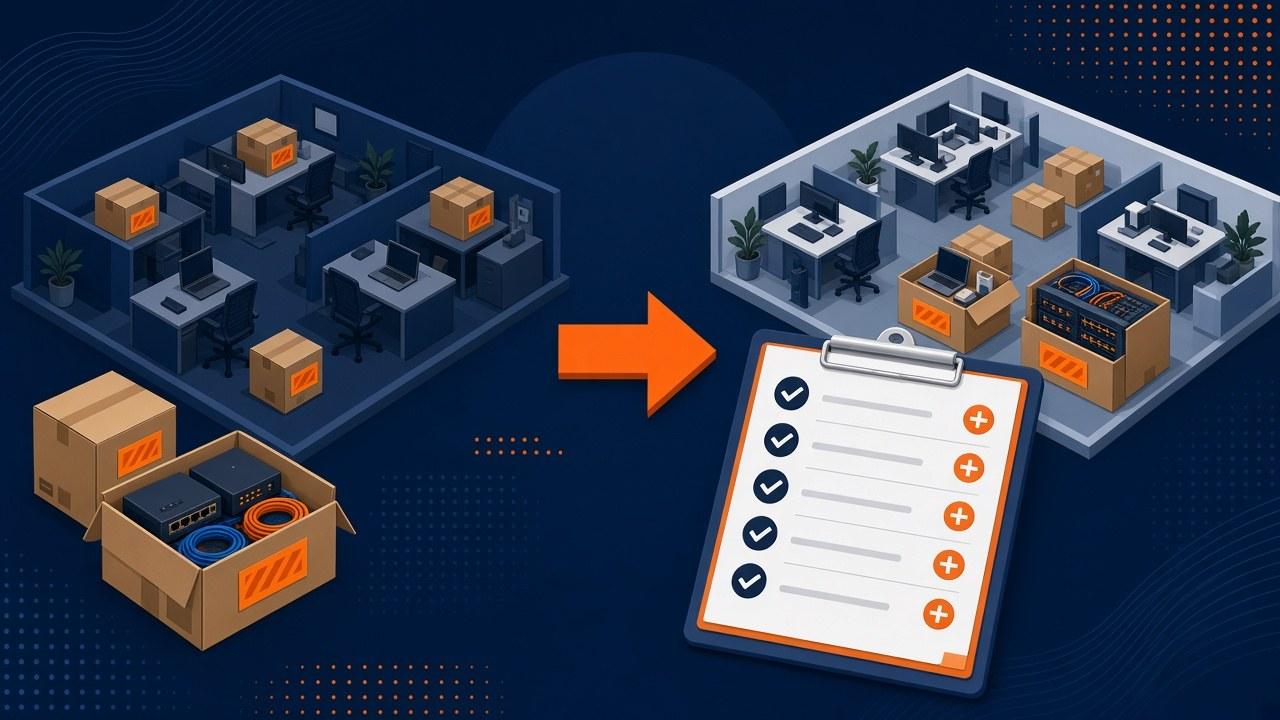
If IT is still "unplug and replug," start earlier.
Summer moves love a fixed lease date and a furniture schedule that looks tidy in a spreadsheet. IT often gets bolted on late, like the network will forgive improvisation.
One laptop forgives improvisation. Firewalls, phones, badge gear, and the scanner accounting cannot live without do not.
This is a planning walkthrough for owners and office managers who need a sequence that survives opening week. For full-service moves, see IT Relocation.
Inventory before boxing day
Build a simple asset list. Spreadsheets are fine. Include workstation count, monitors, docks, networking gear, servers or NAS units, phones, printers, specialty devices, and spare parts that live in drawers.
Photograph rack fronts and cable bundles before teardown. Future-you will thank past-you when a cable color code only existed in someone’s head.
Note software and cloud dependencies that are not physical: VPN profiles, printer mappings, Wi-Fi certificates, and MFA device trust. Those still break during moves even when hardware arrives intact.
Call out “orphan” devices: the label printer in shipping, the scanner in accounting, the tablet that only runs one vendor app. Those are the devices that vanish into unlabeled totes and reappear as urgent tickets on Monday.
Freeze window and staff notes
A soft change freeze reduces surprises. Pause non-essential hardware swaps and major software rollouts in the final stretch unless they are required for the new site.
Tell staff what will change: desk locations, printer names, Wi-Fi SSIDs, meeting room quirks, and how to get help on opening week. A one-page note beats a long email nobody finishes.
If you use Softphones or Teams/Zoom rooms, schedule a dedicated test after furniture is set but before full occupancy when possible. Rooms are where “it worked at the old office” fails most publicly.
Disconnect day
Treat disconnect as a controlled shutdown, not a scramble at 5 p.m. Assign roles: who shuts down servers, who labels gear, who walks the floor for stragglers, and who holds credentials.
- Communicate a freeze window: no last-minute installs or "quick" hardware changes.
- Confirm backups completed and note the last successful verify or restore test.
- Gracefully shut down servers and network gear in a documented order.
- Label every device and cable end with destination location (room, desk, or rack unit).
- Pack fragile networking gear separately from bulk furniture loads when possible.
- Secure credentials and admin tokens. Do not leave password notebooks or USB keys in unlocked drawers.
- Capture final photos of empty racks and wall plates for the landlord checkout if needed.
- Verify the “first on site” kit is packed separately, not buried in a general tote.
Know which tote holds the firewall
IT gear should travel with accountability. Know which truck or tote holds the firewall, switches, and primary server hardware. Keep a "first on site" kit: rack screws, patch cables, console cable, basic tools, and a temporary switch if you need to stand up a subset of workstations early.
If movers handle bulk transport, brief them on what cannot be stacked or left on a hot dock. Climate and physical shock still break disks and phones more often than people expect.
For multi-day moves, stage a temporary work cell so a few people can operate if the full reconnect slips. That is often better than promising everyone full service before the closet is ready.
Reconnect in layers
Reconnect in layers so you are not debugging everything at once. Closet first, identity next, shared services after that, then desks and specialty gear.
- Power and grounding in the closet; confirm UPS behavior.
- ISP handoff and firewall online; verify outbound internet and VPN.
- Core switching and Wi-Fi controllers; smoke-test a few client devices.
- Domain / identity connectivity and a sample of user logins.
- Printers, phones, and shared rooms.
- Remaining workstations and specialty gear.
- Monitoring agents, backups, and a short written punch list.
Stop the opening-week ticket storm
Most opening-week ticket volume is not exotic. It is docks that need the right input, printers with unfamiliar names, and people who do not know whether to wait or escalate. A short communication plan prevents that storm from becoming a blame storm.
Send one note before disconnect day and one note on opening morning. Keep both short. Include what is expected to work, what might still be in progress, who to contact, and what not to reinvent (for example, do not create personal workarounds that bypass the new print queues).
- Pre-move: freeze window, packing expectations for personal docks and adapters, and where to leave specialty devices.
- Opening morning: known-good systems, known issues, help path, and a reminder that triage is normal for day one.
- End of week one: what was fixed, what remains, and where updated printer or Wi-Fi instructions live.
Central Texas pressure points
You do not need a formal PMO template. You do need a short list of risks with owners. Summer moves in Austin-area buildings often share the same pressure points.
- Circuit install slips past furniture day: decide temporary connectivity early.
- Landlord or riser constraints delay closet work: confirm access windows in writing.
- Heat and dock delays stress disk-bearing gear: keep networking gear off hot docks.
- Partial occupancy before IT is ready: stage a temporary work cell instead of promising full service.
- Missing specialty devices: inventory orphans before boxing day.
One workbook beats five chats
Keep one shared workbook: inventory, circuit tracker, access contacts, disconnect order, reconnect order, and punch list. Spreadsheets are fine. Chat threads are not a system of record.
Version the workbook so furniture delays and ISP slips are visible. When dates move, IT milestones must move with them or disconnect day becomes fiction. Assign a single editor so conflicting copies do not multiply.
- Tab 1: asset inventory with owners and specialty flags.
- Tab 2: circuit and phone carrier milestones with dependencies.
- Tab 3: access and building constraints for both sites.
- Tab 4: disconnect and reconnect sequences.
- Tab 5: punch list with severity and owners.
- Tab 6: staff communication drafts and send dates.
Circuits, carriers, and honest dates
Ask ISPs for install windows with dependencies stated: construction, landlord LOA, riser work, and demarc readiness. Best-case marketing dates are not plans.
Decide temporary connectivity early: LTE failover, temporary DIA, or staggered occupancy. Document who can authorize spend if the temporary path is needed. For voice, confirm number porting, e911 address updates, and softphone versus desk phone cutover order.
- LOA and building access submitted with buffer.
- Demarc location confirmed on a site walk, not only on a floor plan.
- Firewall and WAN cutover steps written before disconnect day.
- Rollback if the new circuit fails acceptance testing.
- Carrier escalation contacts saved in the workbook, not in one inbox.
Furniture and IT have to hand off
IT cannot finish if desks cover unfinished drops or if the closet has no power. Put furniture, low-voltage, and IT on one timeline with handoff criteria.
Example handoffs: cabling certified before desk install in critical rooms; rack power and cooling ready before firewall seating; room tables placed before AV validation. Without handoffs, everyone reworks the same spaces and blames the wrong vendor.
Credentials before the movers arrive
Moves create credential leakage. Password notebooks, MFA tokens, spare firewalls with default configs, and unlabeled USB keys show up in drawers. Assign someone to collect secrets before movers arrive.
Disable or inventory guest Wi-Fi gear that might be left behind. Confirm backup encryption keys are known to more than one person before anything is powered down. Photograph rack fronts before teardown for rebuild reference.
Disconnect run-of-show
Publish a timed run-of-show the day before. Include who speaks to staff, when freeze starts, shutdown order, labeling standards, and who signs off that the old closet is empty enough for landlord checkout.
Keep a parking lot list for discoveries that are not allowed to derail the sequence. Discoveries become punch list items with owners, not improvisation in the aisle while the truck waits.
- T-minus communication to staff.
- Backup verify complete and noted.
- Server and network shutdown order executed.
- Labels and photos complete.
- First-on-site kit staged separately.
- Credentials secured.
- Old site walkthrough for forgotten specialty devices.
Critical gear is not anonymous cargo
Know which tote or truck holds the firewall, switches, and servers. Critical gear should not be anonymous cargo. If movers handle bulk transport, brief them on stacking and heat constraints.
Stage a temporary work cell plan if reconnect slips: which few people must work first and what minimum kit they need. Partial capability beats false promises of full service.
Reconnect run-of-show
Reconnect in layers and resist desk chaos until the closet and identity layers are green. A room full of people plugging in laptops on a half-built network creates noise that hides real faults.
Publish status at set times: closet green, identity green, print and voice in progress, desks open for general seating. Staff handle uncertainty better than silence. Keep the punch list visible to the validation lead all day.
What to tell staff (keep it short)
Pre-move note: freeze window, packing rules for personal docks, how specialty devices should be labeled, and expected downtime.
Opening morning note: what works, what is in progress, how to get help, and a reminder that triage is normal. End-of-week note: what remains and where updated how-tos live. Short beats clever. Customers only need a notice if their service windows change.
People, hours, and contingency cash
Under-budgeted moves skim validation and then pay in tickets. Budget hours for disconnect, transport accountability, reconnect, validation, and a contingency block for circuit slip or furniture delay.
Include decision authority for overtime or temporary internet spend before Saturday night. If you use Cytrix for moves management, bring real dates and inventory early enough that contingency is a plan, not a panic purchase.
Hard lease date, soft ISP date
A Round Rock office must vacate on a hard date. The new Austin suite circuit is late. The workable plan is temporary connectivity, a narrowed day-one user set, and a second cutover when the permanent circuit passes acceptance.
The unworkable plan is hoping the ISP makes a miracle and skipping temporary path decisions until Sunday.
Specialty devices are not "misc hardware"
Clinics and similar environments often have devices that cannot be treated like spare laptops: imaging-adjacent workstations, payment terminals, or systems with vendor-controlled configs. Inventory them early, involve the vendor if needed, and validate them explicitly on day one.
Do not bury them under general workstation counts. They are where opening-week pain concentrates.
A short risk list with owners
Keep a short risk register with owners.
- Circuit slip: temporary path decision date.
- Landlord access delay: written access windows.
- Incomplete inventory: specialty device audit.
- Furniture/IT collision: handoff criteria on timeline.
- Voice porting delay: softphone fallback.
- Key-person absence: backup validation lead named.
Timeline at a glance
Six to eight weeks: circuit order status, site walk, workbook created, critical systems ranked.
Three to four weeks: inventory complete, freeze planning, staff communication drafted, first-on-site kit listed.
One to two weeks: disconnect run-of-show published, credentials plan confirmed, temporary connectivity go/no-go decided.
Disconnect day: execute sequence, label, photograph, secure secrets.
Reconnect and opening: layered bring-up, validation, overnight proof, triage staffing.
Planning FAQs
When do we start? Six to eight weeks out for anything with a new circuit; sooner for complex voice or multi-closet designs.
Can remote IT finish a move alone? Rarely. Closets need hands and accountability.
What is the minimum workbook? Inventory, circuit status, access contacts, and a reconnect sequence.
How do we handle personal docks and monitors? Labeling standards and a clear rule for what movers will not take.
What does done mean? Acceptance criteria you shared before the truck rolled, plus overnight proof.
Label like you will be the one searching
Agree on a labeling scheme before disconnect: destination room, desk, or rack unit on both device and cable ends where practical. Color tape helps. Clever nicknames do not.
Photograph labeled racks and specialty device totes. When something is missing Monday, photos beat memory. Include a rule for personal items movers will not take so docks and adapters are not abandoned in drawers.
Who is on triage Monday?
Plan who is on triage Monday morning: remount docks, fix display inputs, escalate closet issues, and keep status updates honest. One overwhelmed person in a group chat is not a model.
If Cytrix is on site or on call for the window, define the handoff between facilities questions and IT questions so the wrong queue does not absorb everything.
One coordination call that earns its time
Hold a single coordination call with furniture, cabling, and IT leads two to three weeks out. Review handoff criteria and who owns each blocker. Separate vendor email threads usually hide collisions until Saturday.
Capture decisions in the workbook the same day. If a vendor will not join, send them the handoff criteria in writing and require acknowledgment.
A note from the last-minute jobs we still regret
The moves that hurt are rarely mysterious. Somebody knew the circuit was soft. Somebody knew the specialty scanner lived in a drawer. Somebody hoped furniture would finish early enough for IT to invent a miracle on Saturday.
Write the uncomfortable dates into the workbook early. If the honest plan is temporary internet plus partial occupancy, say that to leadership before the lease forces the conversation. People handle clear tradeoffs better than surprise outages dressed up as bad luck.
What I would put on one sticky note
Circuit status and temporary plan. Who has building access after hours. Where the firewall is packed. Who owns Monday triage. That sticky note has saved more openings than a twenty-page plan nobody opens.
If those four answers are fuzzy a week out, pause other work and sharpen them. Fancy reconnect sequences do not help if nobody can get into the building or find the firewall tote.
After the first move, steal from yourself
Keep the workbook. Keep the photos. Keep the retro notes. The second move in two years should not start from mythology about how the last one went.
Offices that treat each relocation as a brand-new invention pay tuition again. Offices that reuse a battered checklist get quieter Mondays.
Opening morning
Plan for a triage window on the first business morning. Even good moves produce a handful of desk-level issues. Staff someone who can remount docks, fix display inputs, and escalate closet problems without pulling the whole company into a group chat.
Share a one-page "how to get help" note with the team: what is known working, what is still in progress, and how to report a blocker.
If you want Cytrix to own the disconnect and reconnect sequence with a clear validation pass, start from the IT Relocation service page or book a short planning call with your inventory and target dates in hand.